Old lead revival
Your old enquiries and past customers, contacted again. The system works through your database, writes a personal message to each one by email or text, and books the ones who reply straight into your calendar.

We build custom automations on n8n that connect your tools and take repetitive work off your plate, from reviving old leads to sorting every email that comes in. Built for your business, then run and looked after by us.
Every business is different, so these are starting points. If a task is repetitive and follows rules, it can usually be automated.
Your old enquiries and past customers, contacted again. The system works through your database, writes a personal message to each one by email or text, and books the ones who reply straight into your calendar.
Incoming emails, enquiries and documents read, labelled and sent to the right person: quotes to sales, invoices to accounts, anything urgent to you.
Routine emails answered in your tone within minutes, and anything tricky flagged to you. Our own inbox at info@lovac.io runs on one.
Your calendar, inbox, tasks and supplier orders run from one chat, by text or voice. See Rafter below.
Quote follow-ups, appointment reminders and review requests sent at the right moment, without anyone having to remember.
Form entries, bookings and payments copied into your CRM, spreadsheets or accounts, with a daily summary of what happened.
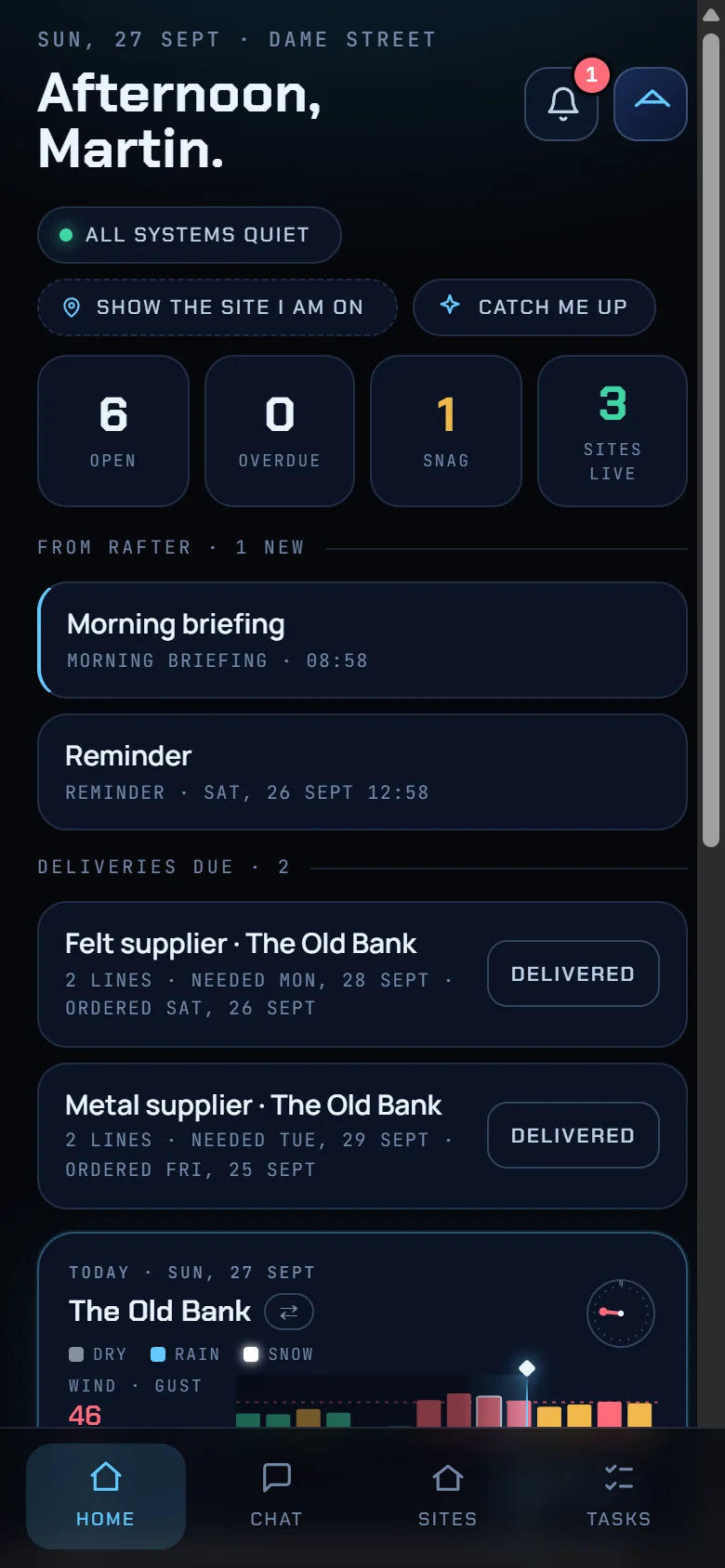
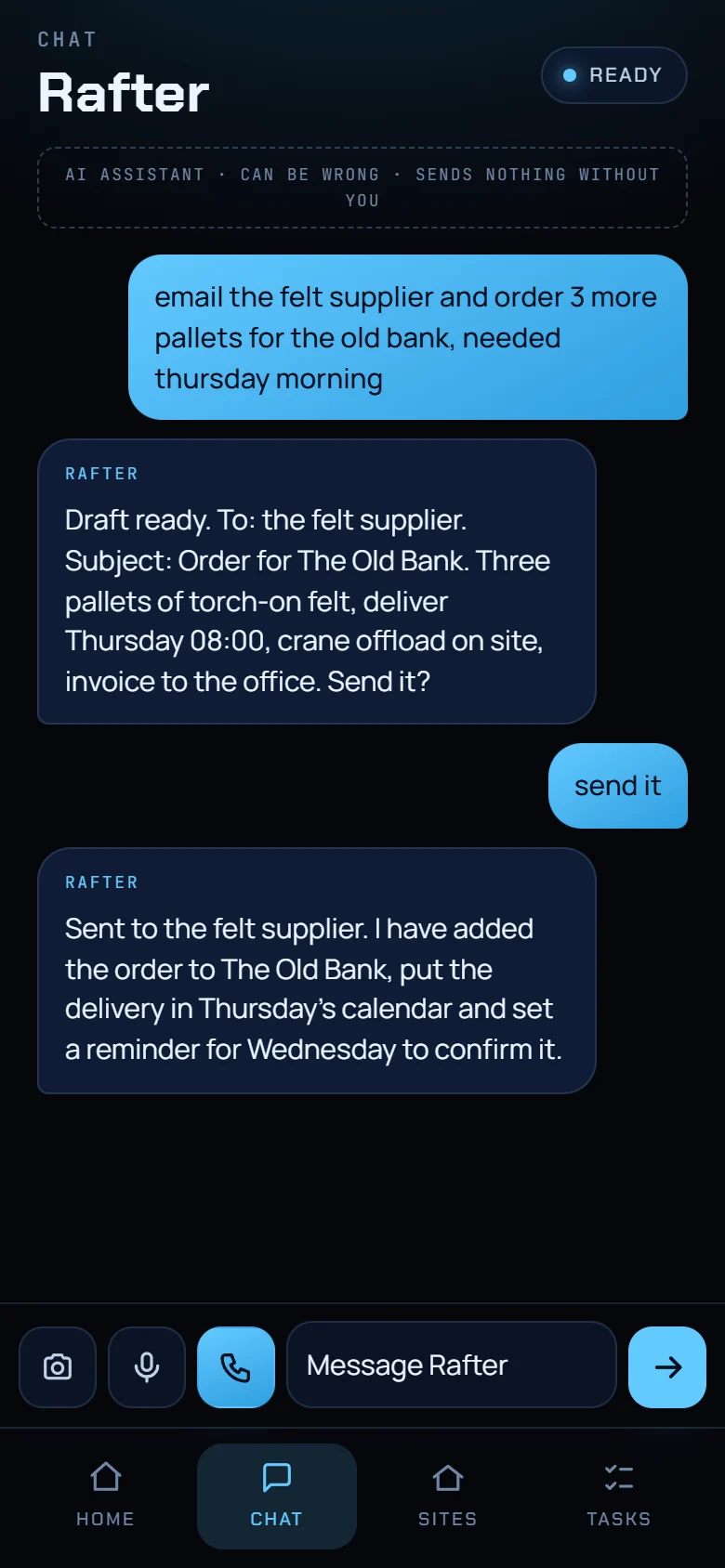
An assistant that knows your business the way a good office manager does. Ask it anything by text or voice: it books appointments around your diary and your travel time, keeps your tasks and orders straight, drafts and sends your emails with your approval, and briefs you every morning.
Rafter is the personal assistant we built for a construction company. These are screens from the app itself; the sites, tasks and figures are made up for this page.
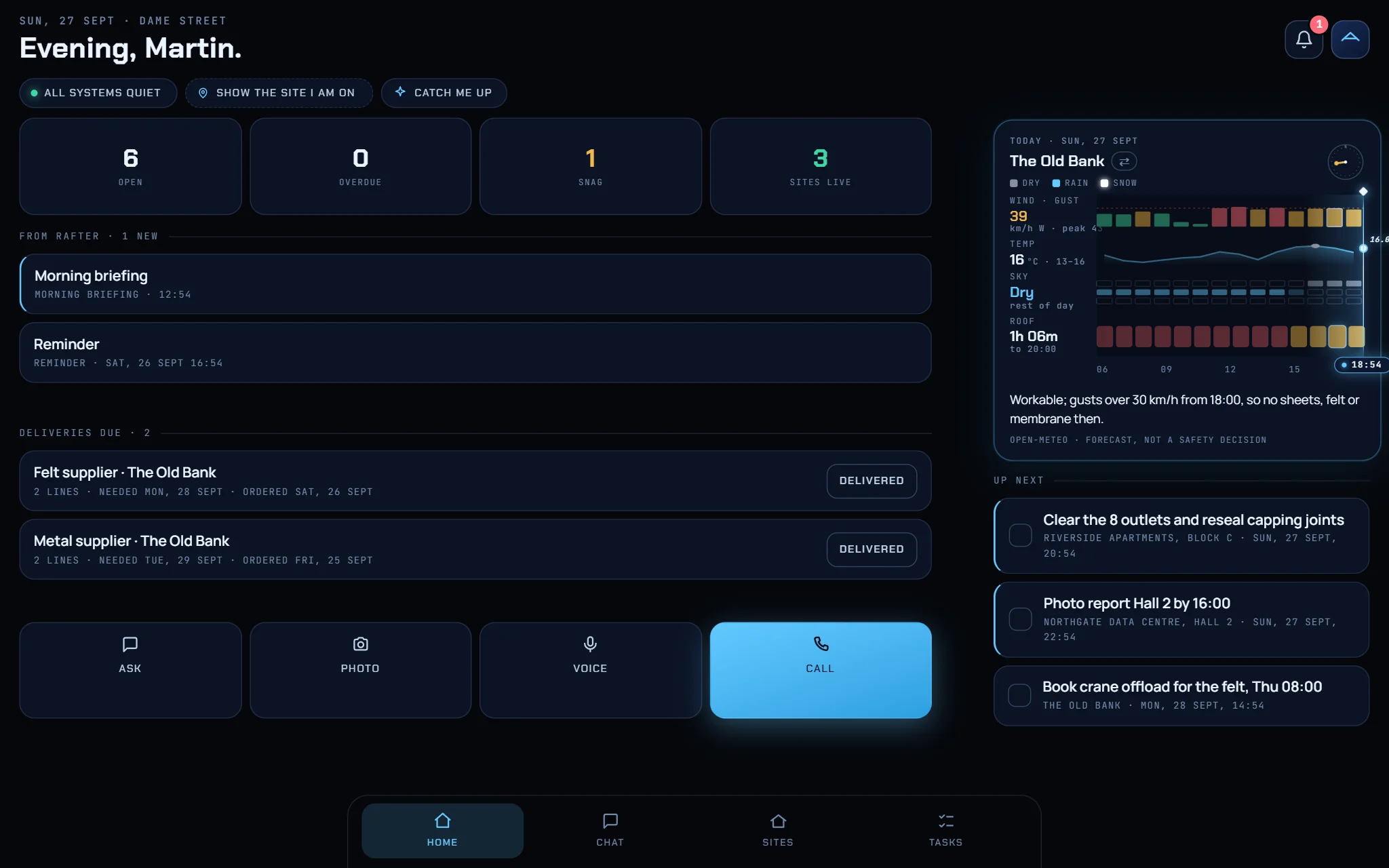
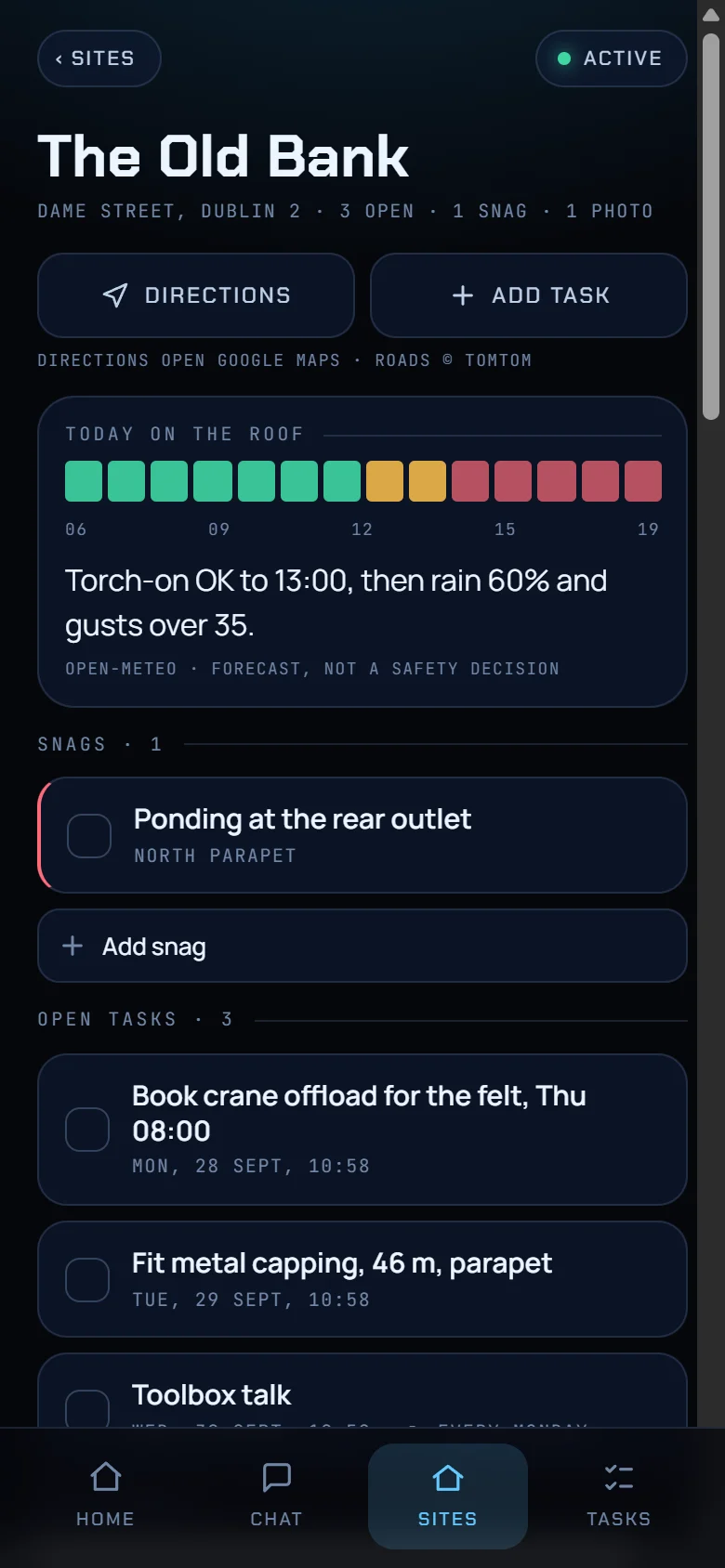
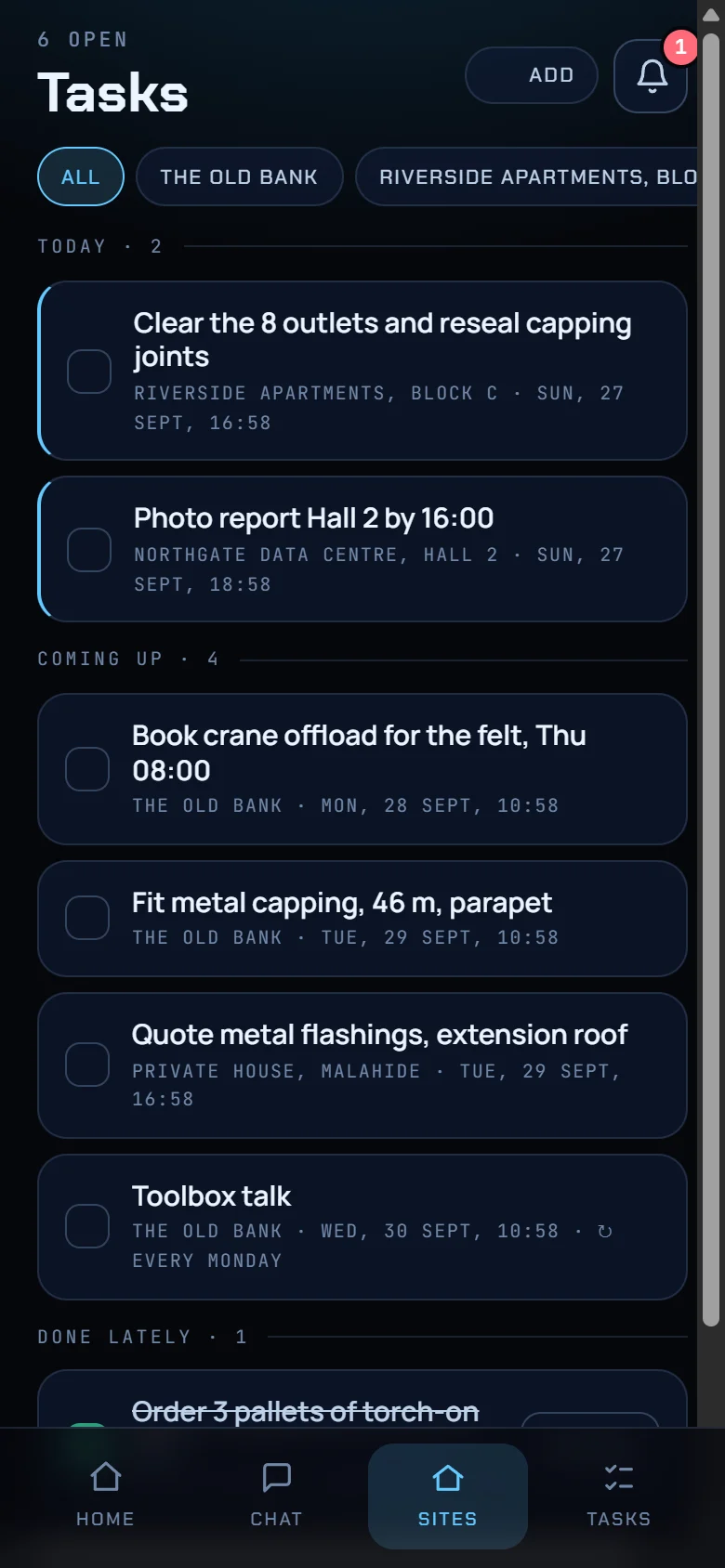
Example data throughout: The Old Bank, Riverside Apartments, Northgate Data Centre and a house in Malahide are not real clients.
We build on n8n, an automation platform with more than 2,000 ready-made integrations. If your software has an API, or an MCP connection for AI tools, we can connect to it as well.
We look at where your time goes each week and pick the jobs worth automating first.
We design and build the automation, connect your tools and test it with your real data before it goes live.
We host it, keep an eye on it and keep improving it with you as your business changes.
From €1,500 per project, plus care from €99 a month for hosting, monitoring and fixes.
€500 setup for up to 1,000 contacts, then 10% of the first sale from every lead it brings back. For barbers and dentists, €25 per booked appointment instead.
Book a free 20-minute call and we will map out what could run on its own.